Microsoft 365 AI Readiness
Get more from AI while protecting your business information. Assess your Microsoft 365 environment, identify potential risks and understand what needs to be addressed before adopting or expanding Microsoft 365 Copilot.
Microsoft 365 Copilot can help people work with documents, emails, meetings, chats and other business information. It can assist with summarising content, drafting communications, finding information and supporting everyday tasks.
However, successful adoption involves more than purchasing licences and switching on a new feature. Your Microsoft 365 environment needs appropriate security, access controls and data governance so that Copilot can be introduced responsibly.
A readiness assessment helps you understand your current position, identify areas requiring attention and plan the next steps for your organisation.
Microsoft 365 Copilot respects the permissions already assigned to users across your organisation. This means it can surface information that an individual user is authorised to access, including content that may have been shared too widely or is no longer appropriately controlled.
A readiness review can help identify issues that should be addressed before wider adoption. It also provides an opportunity to consider how Copilot could support your business processes and where it may deliver practical value.
Review user access, permissions, identity security and authentication controls.
Consider how business information is stored, shared, classified and protected.
Review your Microsoft 365 configuration, services and relevant licensing requirements.
Identify potential use cases, user requirements and adoption considerations.
Form IT Solutions can help you understand whether your Microsoft 365 environment is suitably prepared for Copilot adoption. Our consultant-led assessment is designed to give you a clearer picture of your current environment and the improvements that may be needed.
The precise assessment scope and deliverables will be confirmed with you before the work begins.
A successful Copilot deployment depends on the foundations of your Microsoft 365 environment. Depending on the agreed assessment scope, areas of review may include:
User accounts, multi-factor authentication, privileged access and identity controls.
Sharing arrangements, site permissions, document access and potential oversharing.
Collaboration, communication and information access across Microsoft 365 services.
Data classification, sensitivity labels, retention and relevant compliance controls.
Relevant Microsoft 365 subscriptions, Copilot licensing and technical prerequisites.
Potential opportunities to use Copilot to improve everyday tasks and workflows.
A readiness assessment provides a practical starting point for your Copilot journey. It can help your organisation:
A readiness assessment does not automatically resolve identified issues or guarantee that every user or workload is ready for Copilot. It provides findings and recommendations to help you plan the appropriate next steps.
Form IT Solutions may be able to offer a funded Copilot Readiness Assessment to eligible organisations, subject to programme availability, eligibility criteria and approval.
Important: Funding is not guaranteed. Please register your interest so that we can confirm whether your organisation qualifies, what is included and whether funding remains available. Any additional implementation, remediation, licensing or consultancy work will be discussed separately.
Take the First Step
Complete the registration form below to tell us about your organisation. A member of the Form IT Solutions team can then discuss your requirements, assessment scope and potential funding eligibility.
Scan the code with your mobile device to open the registration form.
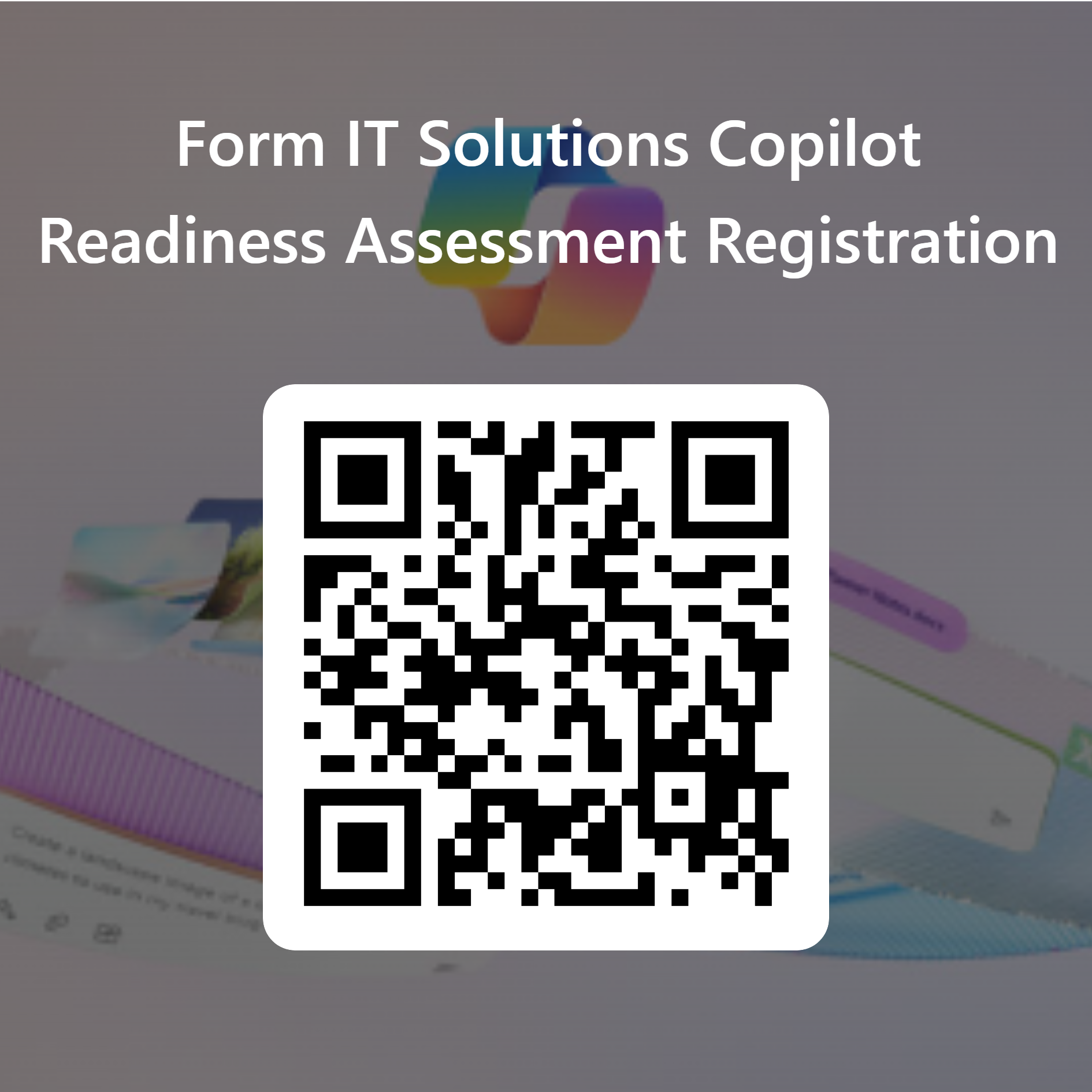
Please provide your details using the secure Microsoft Forms registration form.
If the form does not display correctly, open it directly in Microsoft Forms.
You can also speak directly to your Form IT Solutions Account Manager to discuss Microsoft 365 Copilot, your readiness requirements and potential assessment funding.
It is a review of your Microsoft 365 environment to help understand whether your organisation has the appropriate technical, security and data governance foundations for Copilot adoption.
Copilot can work with information that users are already authorised to access. Reviewing permissions, sharing arrangements and data governance can help identify existing risks and reduce the likelihood of inappropriate information being exposed through existing access permissions.
The assessment identifies findings and recommends actions. Changes to your Microsoft 365 environment, remediation work and implementation services are not automatically included unless specifically agreed.
Funding may be available for eligible organisations, subject to the relevant programme’s availability, criteria and approval. Register your interest so that Form IT Solutions can confirm the position.
Not necessarily to begin a readiness discussion. However, the licensing requirements for a Copilot deployment depend on the Microsoft services and features you intend to use. These can be reviewed as part of your planning.
Complete the registration form on this page or contact your Form IT Solutions Account Manager to discuss your requirements.
Form IT Solutions | Microsoft 365 Copilot Readiness Assessment
Get an estimate, general enquiries or request a call.

